

A digital picture frame shows your favorite photos on a bright screen. It is not like a regular photo frame. You can change pictures with a tap. You can also set them to switch by themselves. Novarhome is a smart home brand. It brings these frames into modern homes.
- More people are buying digital picture frames now. Smart home technology is getting more popular.
- North America and India are seeing big growth. This is because of online shopping and new ideas for products.
- Smart frames are liked because they work well with home automation.
Key Takeaways
- Digital picture frames show many photos on a bright screen. You can change the photos easily without printing them.
- These frames connect with Wi-Fi, Bluetooth, or USB. This makes it easy to upload and share photos from any place.
- They save space because they show lots of pictures in one frame. Traditional frames only hold one photo.
- Digital frames can also play videos and make slideshows. This makes sharing and enjoying memories more fun.
- They are great gifts for families. They help loved ones stay close by sharing photos.
Digital picture frame basics
What is a digital picture frame
A digital picture frame is a new way to show photos. It uses a screen instead of printed pictures. You can put hundreds or thousands of photos on it. The frame shows your photos one after another, like a slideshow. You do not need to print or change photos by hand. You just choose the pictures you want, and the frame shows them for you.
Let’s see what parts make up a digital picture frame:
| Component | Description |
|---|---|
| Raspberry Pi | Acts as the brain, like a tiny computer. |
| Repairability | Easy to fix with simple tools or velcro. |
| Wireless Upload | Lets you add photos using Bluetooth, Wi-Fi, or your home network. |
| High Definition Display | Shows your pictures in bright, clear detail. |
| Personalized Aesthetic | Has a clean look that fits your style and home. |
| Large Photo Storage | Holds more than 1,000 photos, so you never run out of memories. |
A digital picture frame is more than just a screen. It is a smart device that helps you enjoy your memories in a new way.
How it works
You might wonder how a digital picture frame works. It uses special technology to show your photos on a bright LCD or LED screen. You can send your pictures wirelessly from your phone or computer. Many frames let you use Wi-Fi, Bluetooth, or a memory card. After your photos are on the frame, it can play them in a slideshow. Some frames let you pick how long each photo stays. Others let you choose special effects or transitions.
You can also use an app to control your digital picture frame. This makes it easy to add new photos or change settings. You do not have to touch the frame. Some frames let your family send photos from anywhere. This makes sharing memories easy and fun.
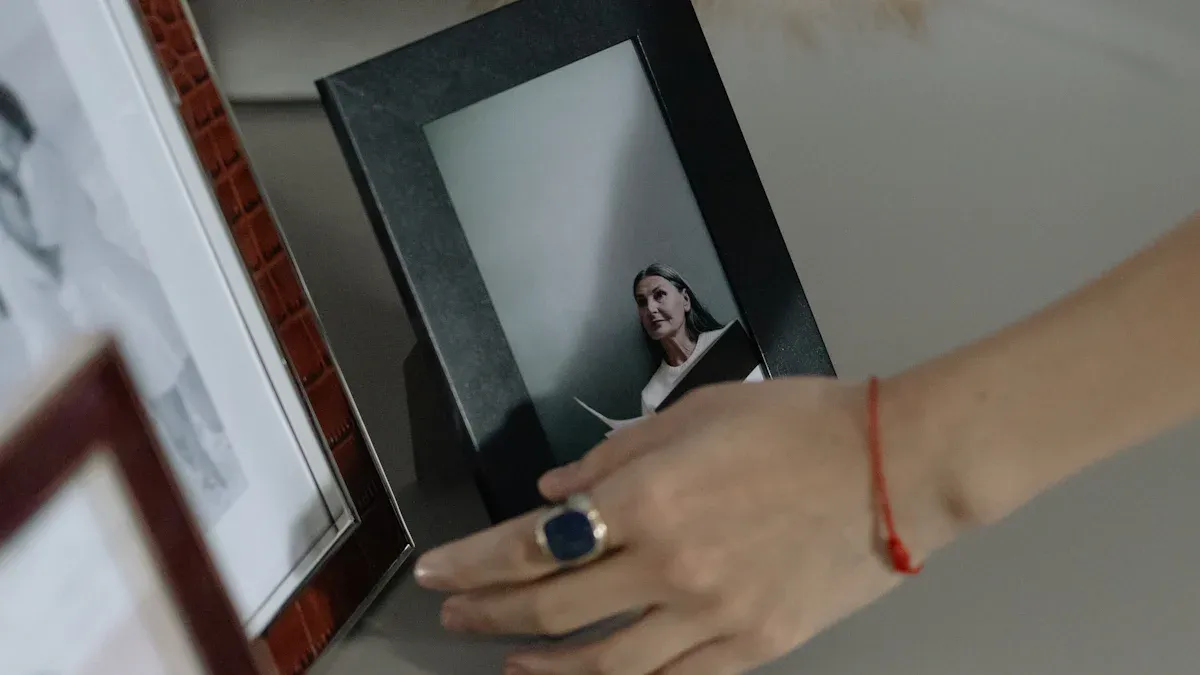
Key differences from traditional frames
You may wonder why you should pick a digital picture frame instead of a regular one. Here is a quick chart to show the main differences:
| Feature | Digital Picture Frames | Traditional Frames |
|---|---|---|
| Display Options | Shows many photos in a slideshow | Shows only one photo at a time |
| Space Efficiency | Needs just one frame for all your photos | Needs many frames for many photos |
| Customization | Lets you change settings and styles | Stays the same, no changes possible |
| Power Dependency | Needs electricity to work | Works all the time, no power needed |
| Emotional Connection | Focuses on technology and convenience | Feels more personal with printed photos |
Tip: If you want to save space and see lots of photos, a digital picture frame is a good choice. You can update your pictures anytime without printing new ones.
Digital picture frames have features that regular frames do not. You get slideshows, remote uploads, and smart home features. Novarhome makes digital picture frames that match your home style. You get easy setup, a simple menu, and you can connect with other smart devices. Novarhome frames let your whole family upload photos. This makes sharing memories easy for everyone.
A digital picture frame brings your photos to life in a way regular frames cannot. You get more choices, more fun, and more ways to enjoy your favorite moments.
Digital picture frame features
Display quality
The screen is the first thing you see on a digital picture frame. The display quality helps your photos look bright and clear. Most frames use LCD or LED screens. These screens show sharp pictures with bold colors. Here are some common screen resolutions:
| Megapixels | Resolution (pixels) |
|---|---|
| 0.3 | 640 x 480 |
| 2.4 | 2048 x 1152 |
| 8 | 3264 x 2448 |
Connectivity options
It is easy to add new photos to your frame. Digital picture frames have many ways to connect. Here are some of the most common options:
| Connectivity Option | Description |
|---|---|
| USB Port | Plug in a flash drive to show your photos. |
| SD/SDHC Card Slot | Use an SD card to quickly add pictures. |
| Wi-Fi Connectivity | Upload photos wirelessly and manage albums from anywhere. |
Wi-Fi makes sending photos simple. You can send pictures from your phone or computer without any cords. Some frames let you update photos from anywhere in the world. Novarhome frames use smart Wi-Fi, so your memories always stay new.
Storage and formats
You do not need to worry about space. Most frames can hold thousands of photos. They work with popular image formats like JPG and JPEG. Many frames also play videos in MP4, MOV, and AVI formats. Some high-end frames let you watch video clips up to 30 minutes long. Always check which formats your frame supports before adding files.
Slideshow and sharing
A digital picture frame can show more than one photo. You can set up slideshows with smooth changes between pictures. Some brands, like Aura and Nixplay, have smart features like facial recognition or playlists. You can invite family to share photos by email or an app. Here are some ways to share:
- Invite others to use the app for easy uploads.
- Make albums for holidays or special events.
“It is a great way to share photos with family. I like that my family can send photos to my frame and I can send photos to theirs so easily...”
Novarhome frames make sharing easy. You and your family can send photos anytime. This helps everyone stay connected and up to date.
Benefits and uses

Why choose a digital picture frame
You can see your favorite photos without printing them. A digital picture frame makes this simple. You can send new photos from your phone or computer. You do not have to be at home to do this. The frame updates right away, so your memories always look new. You can show videos and live photos too. The slideshow changes pictures for you. You can pick portrait or landscape mode for the best view.
Here’s why these frames are so handy:
| Feature | Benefit |
|---|---|
| Wi-Fi Connectivity | Send photos from anywhere |
| Real-time Sharing | Keep your pictures up to date |
| Video Support | Watch moments with sound and movement |
| Automatic Slideshow | See a gallery that changes |
| Space-saving Design | Show lots of photos in one frame |
Tip: You can use a touchscreen to control your frame. This makes it easy for everyone in your family.
Home and office uses
You can use a digital picture frame in many places. At home, it is like a living album for family photos. You can change pictures for holidays or special days. Some people show art or favorite quotes on their frame. In offices, you can display team photos or awards. You can also show company news. The frame saves space and keeps your room looking fresh.
- Show family photos to help everyone feel close.
- Change pictures for each season or party.
- Display art or quotes that inspire you.
- Use in offices for team news or awards.
Novarhome frames work well in smart homes. You can hang them on the wall or put them on your desk. The HD touchscreen is easy to use. You can also use the frame as a calendar or planner. Some people use it as a chore chart. Many users say setup is fast and the app helps you share photos easily.
Gifting ideas
A digital picture frame is a great gift. In 2024, more than 1 million people gave these frames as presents. Grandparents love seeing new photos of their grandkids. New parents use them to share baby pictures with family. College students like having memories from home in their dorm rooms.
- Good for birthdays, holidays, or graduations.
- Perfect for grandparents, new parents, and students.
- Helps families share memories, even when far apart.
Note: With Novarhome, you give more than a frame. You give a way to stay close and keep things organized.

Digital picture frames help you see many memories in one spot. You can watch slideshows and update photos fast. Some frames have cool things like remote sharing and motion sensors. They look good in any room and help you feel close to others. Novarhome makes things simple with an app and easy designs. It is great for families to use together. If you want a fun way to show photos, try a digital picture frame. Novarhome can help you enjoy your best moments every day. 😊
FAQ
How do you add photos to a digital picture frame?
You can upload photos using Wi-Fi, or an SD card. Some frames let you send pictures from your phone with an app. It only takes a few taps!
Can you play videos on a digital picture frame?
Yes, many digital picture frames support short video clips. You just need to check if your frame supports video formats like MP4 or MOV.
Do digital picture frames need Wi-Fi?
Not always. Some frames work offline with USB or SD cards. If you want to send photos from your phone or use smart features, you need Wi-Fi.
How many photos can a digital picture frame hold?
Most frames store thousands of photos. The exact number depends on the frame’s storage size and the file size of your pictures.
Can you control a digital picture frame remotely?
You can! Many frames let you use an app or website to add photos, change settings, or start slideshows from anywhere.